Why Everyone’s Obsessed with Digital Decluttering (And It’s Not Just About Your Inbox)
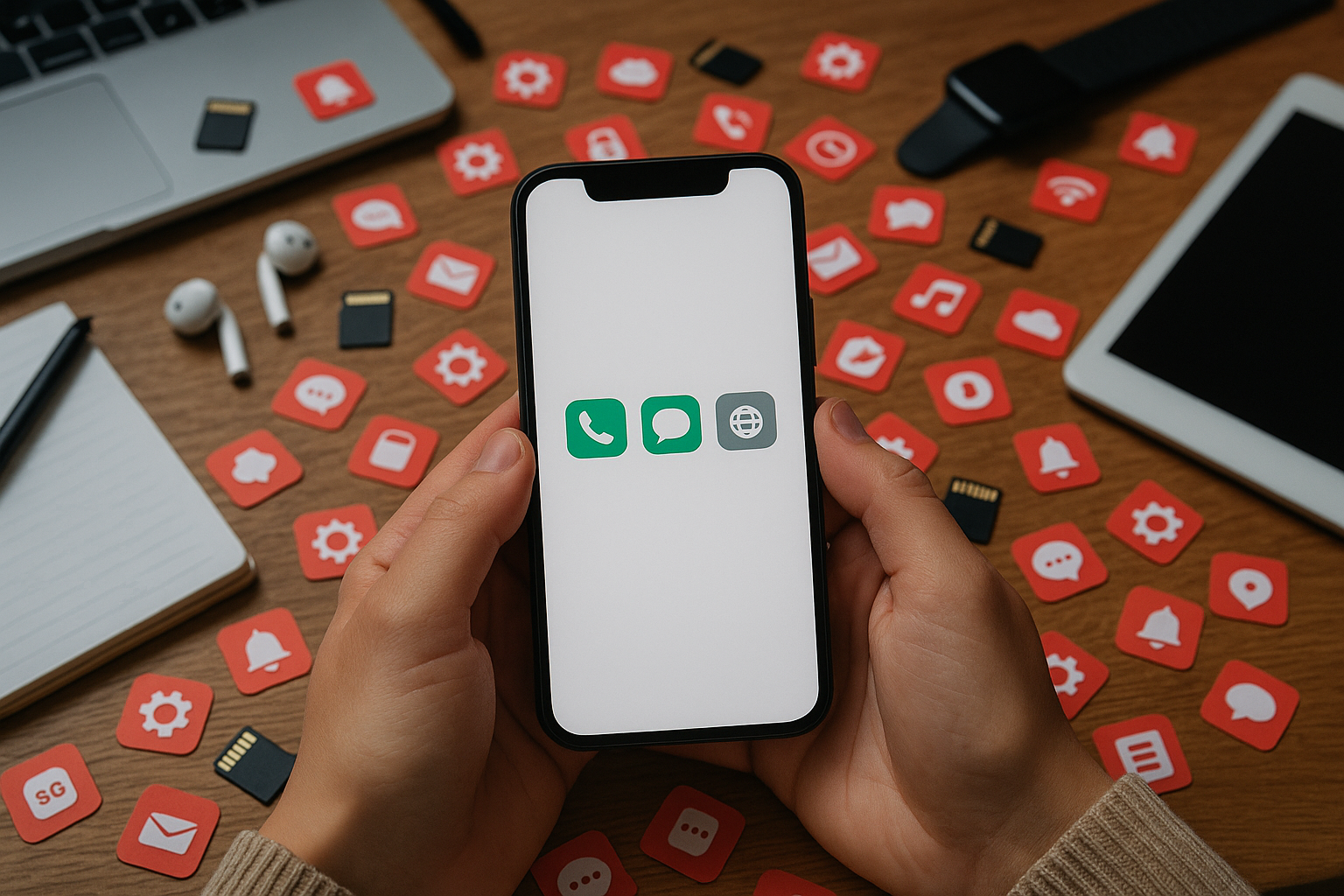
Remember when “decluttering” meant cleaning out your closet or finally tossing that broken IKEA lamp? Fast forward to now, and the mess isn’t just physical anymore—it’s digital. If your phone feels like a junk drawer of apps and notifications, you’re not alone.
Digital clutter is real. And people everywhere—from busy professionals to overwhelmed students—are trying to clean it up. But this trend goes way beyond deleting old emails or organizing Google Drive folders. It’s about protecting your focus, reducing stress, and reclaiming time from screens.
Here’s what digital decluttering really means—and how you can start without throwing your phone in a lake.
What Is Digital Decluttering?
Digital decluttering is the practice of cleaning up your tech life—apps, files, social media feeds, browser tabs—to reduce distraction and improve mental clarity.
It’s like Marie Kondo for your devices: keeping only what adds value and letting go of everything else. But unlike tidying socks in a drawer, this process helps lower anxiety by cutting down on digital noise.
📱 More than 75% of adults say they feel overwhelmed by digital overload (source: APA Stress in America Survey). That endless scroll? It takes a toll on focus and well-being.
The New Rules of Decluttered Living
This isn’t just about hitting "unsubscribe" anymore. People are redesigning their entire digital experience around simplicity and intention.
Here are some key habits fueling the movement:
1. Minimalist Phone Setups
Instead of five home screen pages packed with icons:
- People use one clean page.
- Only essential tools stay—like messages, maps, camera.
- Everything else? Hidden in an “Other” folder or deleted entirely.
Think less TikTok temptation… more breathing room for your brain.
2. Curated Social Media Feeds
If someone makes you feel anxious or fake online—you unfollow them.
The goal is simple: follow fewer accounts but get more value per scroll.
Bonus: shorter feed = less doomscrolling = better mood overall.
3. Notification Control
You don’t need updates from every app all day long.
Most folks now silence:
- Email alerts
- Shopping apps
- Random game pings
They keep only calls/texts—or work-related tools during actual work hours.
This small change creates big peace of mind over time.
Why This Trend Actually Works
Let’s talk results—not hype:
🧠 A study published in the Journal of Behavioral Addictions found that limiting screen use even slightly improved sleep quality and self-control within weeks.
💡 People report sharper focus after cutting back on app-switching (which drains attention faster than we realize).
⏳ One client told me she cut her daily screen time by two hours just by removing Instagram from her home screen—not deleting it fully—but making it harder to impulse open while bored at red lights (we’ve all been there).
So yeah—it works because it's doable AND has real impact fast—even if you're not going full monk mode with no tech ever again.
Tools That Help You Stay Focused Without Going Off Grid
Ironically enough? Some great apps exist purely to help us use other apps less:
🔸 One Sec – Adds a pause before launching addictive apps so you think twice
🔸 Forest – Encourages focused work sessions while planting virtual trees
🔸 Minimalist Launchers – Strips Android phones down to basics; fewer icons = fewer distractions
🔸 Notion Dashboards – Helps organize tasks visually without adding clutter
These tools aren’t magic—they just make intentional tech use easier to stick with daily.
How To Try Digital Decluttering Without Going Extreme
You don’t need to delete everything today or buy a flip phone tomorrow.
Start small—with these steps:
Step 1: Audit Your Apps
Ask yourself:
“Have I used this app in the past week?”
If not → delete it or hide it inside one folder labeled "Rarely Used."
Step 2: Silence Non-Essential Notifications
Keep alerts for texts/calls/calendar reminders.
Everything else waits until YOU check it—not when it wants attention from you first thing Monday morning at 7 AM 😩
Step 3: Pick Screen-Free Zones
Choose times where screens are off-limits:
– Meals
– First hour after waking
– Last hour before bed
Even short breaks help reset overstimulated brains—and improve sleep quality too!
Step 4: Set Tech Intentions Each Morning
Before diving into email/app chaos…
Ask yourself:
“What do I actually need my phone/computer for today?”
Write those goals down—or say them aloud—to stay mindful instead of reactive during the day ahead.
🗂 Pro Tip:
Use RescueTime once per week to check where most screen time went—and adjust accordingly next week.
Final Thoughts — Less Noise Means More Life
Digital decluttering isn’t about perfection—it’s about freedom.
Freedom from constant buzzing reminders,
from overloaded feeds that drain energy,
from default behaviors that leave us wondering where our day went…
When we clear out digital clutter—we get something back:
→ Attention span 🔁 restored
→ Creativity 🔁 unlocked
→ Time 🔁 reclaimed
So if things feel noisy lately?
Try starting with one folder… one notification… even five minutes unplugged tomorrow morning while drinking coffee outside instead of scrolling headlines half-asleep under blue light glare 😅☕️🌿
Small changes add up fast—and peace looks good on everyone ✌️
Want To Go Deeper?
Check out How Gen Z Is Redefining Digital Wellness via Brit + Co — smart insights into why younger users are leading the charge toward healthier tech habits.
Keywords used naturally throughout this post for SEO:
digital declutter routine · minimalist phone setup · reduce digital noise · productivity without burnout · best apps to clean up phone clutter · how to simplify digital life · notification control tips · curated social media feed strategy · reclaim focus in a distracted world
Need help building better content habits too? Drop me an email—I love helping creators write clearly without burning out 💻✨



Leave a Reply